MyUSTe Portal is the official online access point for students and applicants of the University of Santo Tomas (UST). Through the myUST Student Portal, users can log in to manage admissions, check USTET and LEAPMed results, complete freshmen enrollment, submit Personal Data Sheets (PDS), apply for scholarships, and access a wide range of UST online services securely from one platform.
The MyUSTe Portal Login is designed for prospective students, freshmen, graduate applicants, and current Thomasians, making academic and enrollment processes faster and more convenient. In this guide, you’ll find step-by-step help for UST portal login, password recovery, and navigation of key services available for the 2026 academic year, ensuring a smooth and hassle-free experience on the myUST Student Portal.

What Is MyUSTe (UST) Portal?
The MyUSTe (USTE) portal is the official online system of the University of Santo Tomas in the Philippines. It acts as a central platform where students, teachers, and staff can access important university services in one place.
Using the My USTE Portal, users can complete tasks such as course enrollment, checking grades, viewing academic records, and contacting different university departments. This online portal helps the Thomasian community manage both academic and administrative work easily, saving time and keeping everything organized.

Step-by-Step Guide MyUSTe Student Portal Login
To log in to the MyUSTe USTE portal student, go to myusteportal.ust.edu.ph and sign in using your UST Google Workspace email and password. This secure login system gives students quick access to their academic dashboard and university services.If this is your first time logging in, you can start by entering your student number and birthdate. After that, you will be asked to set up Google Authenticator to add an extra layer of security to your MyUSTe account and keep your personal information safe.
Step-by-Step Guide MyUSTe login:
1. Go to the Portal
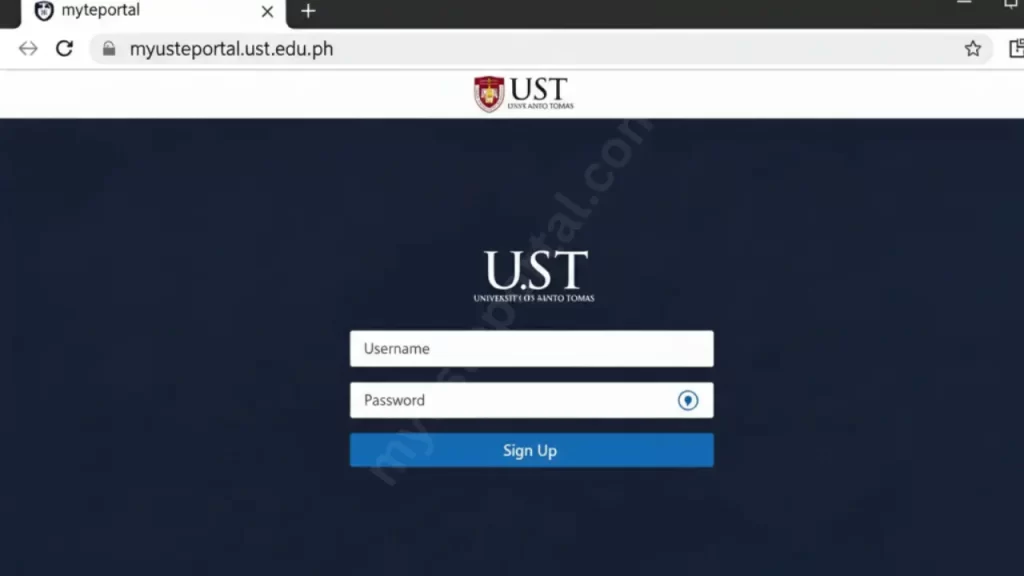
2. Enter Your Credentials
3. Set Up Security
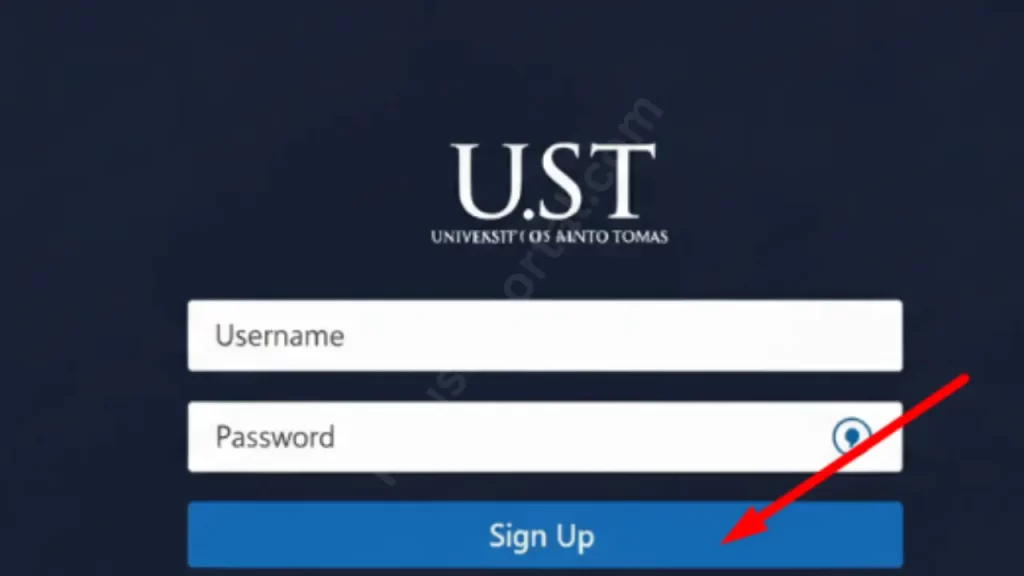
4. Log In
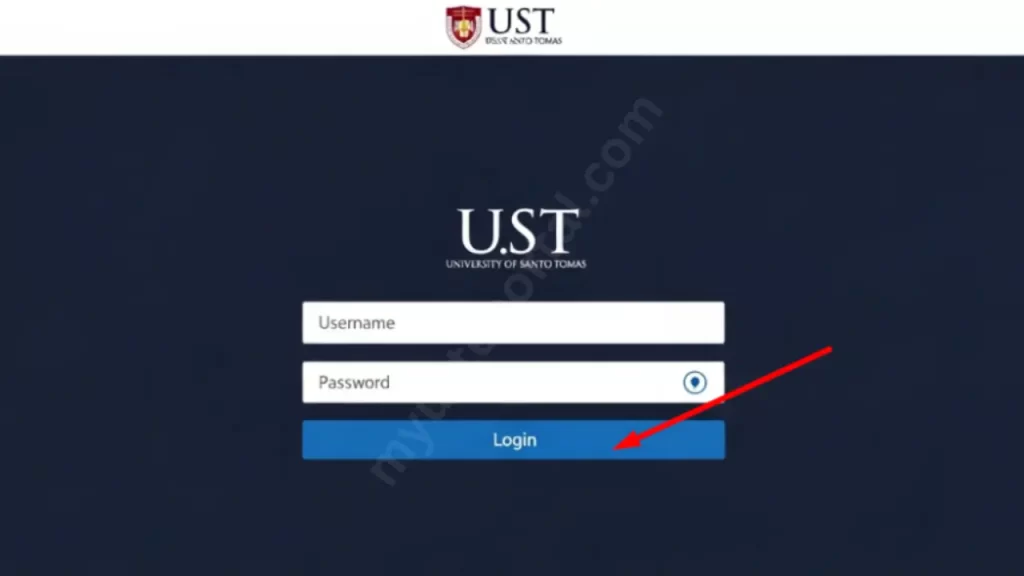
(UST) Portal Login Enrollment Process
Enrollment and MyUSTe USTET portal access at the University of Santo Tomas (UST) depend on your status as a new applicant, a freshman student, or a continuing student. This determines how you access your student account and university services online.
1. New Applicants (USTET)
If you are applying for Senior High School, College, or Graduate School at the University of Santo Tomas (UST), use the official admission portals:
2. Incoming Freshmen
Once you are eligible for enrollment, use the dedicated Freshmen Enrollment Portal: newstudents.ust.edu.ph
Login Details:
3. Continuing Students (My UST Portal)
The UST Portal is the main hub for current students to access academic records, class schedules, and enrollment services.
Portal Link: [MyUSTe Student Portal]
Login Details:
UST Portal Admission
UST Portal Admission Process
All USTET applicants must use the UST Portal to complete their admission process. Here’s how to manage your application:
Following these steps ensures a smooth and error-free admission process through the UST Portal.
USTET 2026 Test Locations, Schedule, and Requirements
The UST Entrance Test (USTET) 2026 will be held simultaneously at three testing centers:
Important: Always check your USTET Permit carefully to confirm your exact testing location, building, and room assignment. Changes may occur, so reviewing your permit is essential.
Before the Test
USTET Application Verification & February 1, 2026 Test Schedule
Application verification is ongoing. Applicants will receive an official notification via their registered email and mobile number once their application has been verified.
The February 1, 2026 USTET is now open for non-Thomasian applicants, as the January 25 schedule is already fully booked. After verification, your available test schedule(s) will appear in your Activity Log.
Note: The February 1 schedule does not include the LEAPMed test. It is only for Junior High School (JHS), Education High School (EHS), Senior High School (SHS), and College applicants.
Once your payment is complete, your test permit and confirmed schedule will be available.
Thank you for your patience and cooperation. Prepare well and arrive early for a smooth testing experience!
MyUSTE Portal Alumni Access
The University of Santo Tomas Portal is a web platform designed for students, teachers, staff, and ust alumni portal to access university services easily. While the main portal provides general services for the UST community, alumni mainly use the Thomasian Alumni Portal (TAP) for their specific needs.
Is There a MyUSTe Portal App
The UST Portal is the main online platform for students, teachers, and alumni of the University of Santo Tomas (UST). Although there is no separate MyUSTe mobile app, you can access the portal on your phone using a web browser. Logging in requires a security app to keep your account protected.
Step-by-Step Usage Guide To My UST Portal Effectively
The my UST portal student is an all-in-one platform for enrollment, academic tracking, and administrative tasks. It allows students to view grades, check fees, and manage their student information through a secure online interface.
1. Initial Setup and Access
Use the Correct Link: Go to myusteportal.ust.edu.ph.
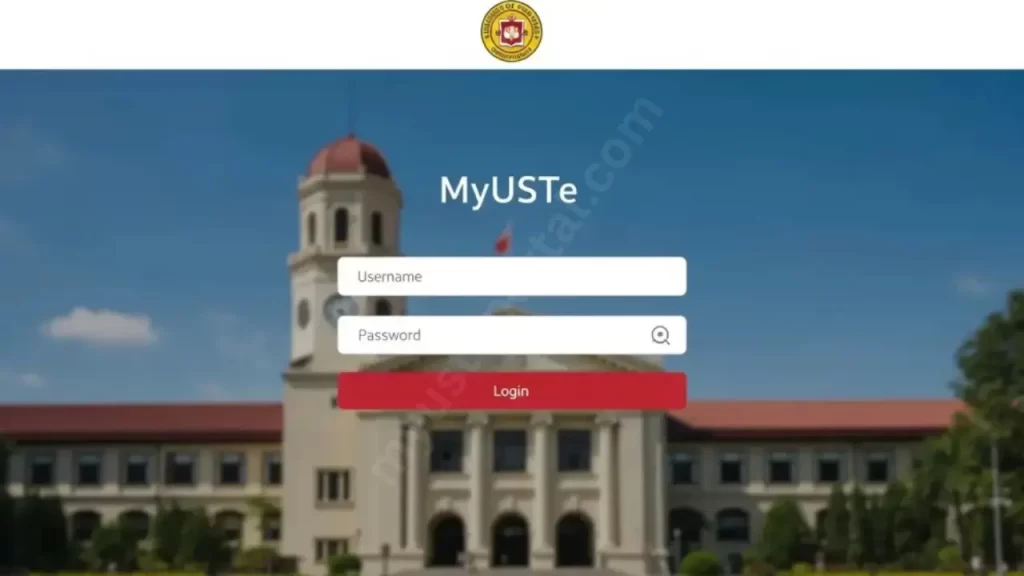
Activate Your Account: Make sure your UST Google Workspace account is active before logging in.
Install Google Authenticator: Download the app on your phone for two-factor authentication (2FA).
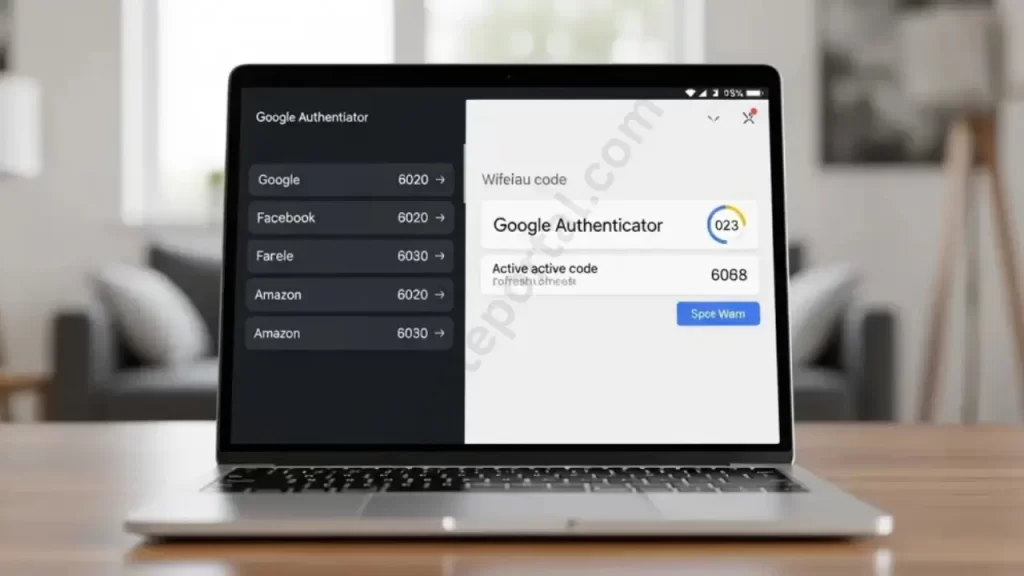
Login Troubleshooting: If the QR code doesn’t scan, enter the setup key manually. If you see “Invalid TOTP,” check that your phone’s time is set to Automatic.
2. Daily and Term-Based Use
Monitor Advisories: The dashboard displays important announcements from the Office of the Secretary-General and the Registrar.
Check Academic Records: View and print your grades anytime through the portal.
Enrollment: Complete all enrollment transactions using the portal.
Access Specialized Apps:
Uses of UST Portal
1. Admissions & Enrollment
2. Academic Records
3. Administrative Tasks
4. Specialized Portals
UST Portal Services
The UST Student Portal is the main digital platform for students, faculty, and alumni of the University of Santo Tomas (UST). It provides access to all key academic, administrative, and campus services in one place.
Key Services on the Portal
Academic Managemet
Check your grades.
Download registration forms (Form 1).
Complete student satisfaction surveys.
Admission & Enrollment
View USTET results.
Submit Online Personal Data Sheets (PDS).
Complete freshmen enrollment online.
Campus Connectivity
Activate your Veritas Wi-Fi account.
Manage your campus internet access.
Health Services (ThOMedSS)
Track your vaccination records.
Update your health profile.
Request medical consultations through the Health Service.
Administrative Support
Register for car stickers (for non-Thomasians).
Access Registrar Online Services for official documents.
Myuste Parent Portal shs
The UST-SHS Parent Portal is the official online platform for parents of University of Santo Tomas Senior High School students. It lets parents monitor their child’s academic progress and access important school records.
Key Features
Parents can use the portal to:
Access and Registration
Troubleshooting
Whether you’re a new parent registering for the first time or having trouble logging into your account, the UST-SHS Parent Portal makes it easy to stay updated on your child’s school life.
UST Portal Services Registration
The UST Portal gateway is the main digital gateway for students, faculty, and alumni of the University of Santo Tomas (UST). How you register and log in depends on your status.
1. Registration & Access for Incoming Freshmen
If you are a new student for the 2025–2026 academic year, follow these steps:
2. Access for Current Students & Staff
If you already have your official university credentials:
My UST Portal Services for Staff

Key Staff Services & Functions on Portal MyUSTe
. Human Resources & Payroll
2. Document Submission
3. Administrative Tasks
4. Centralized Hub
UST Portal Results 2026
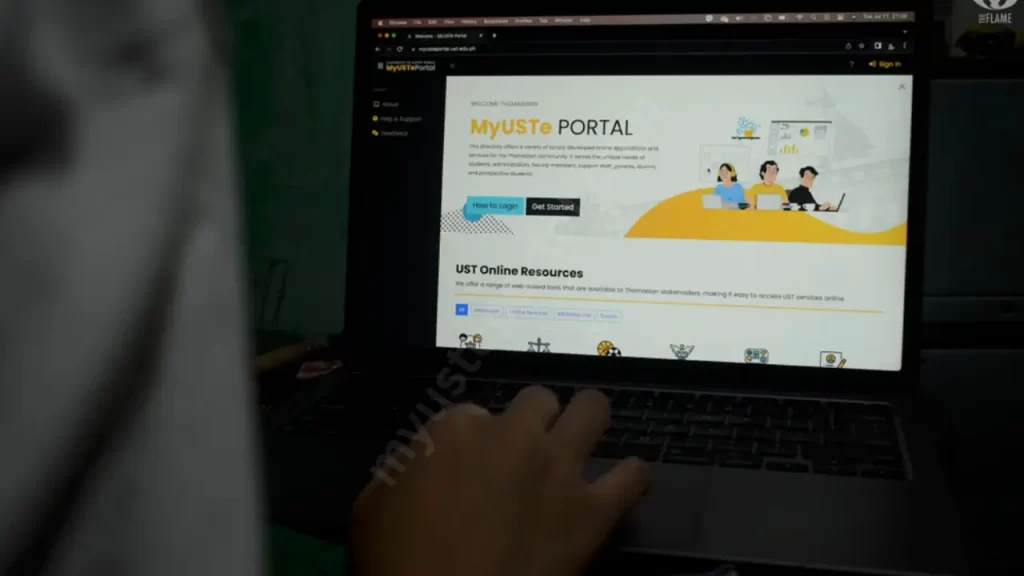
UST Admission and Entrance Test Results (USTET)
1. Main Results Portal
2. LEAPMed Results
3. How to Log In
4. Current Status
How to Keep Your My UST Portal Account Secure in 2026
Protecting your Portal MyUSTe account is important to safeguard your academic records and personal information. Follow these steps based on UST’s official guidelines:
1. Enable Multi-Factor Authentication (MFA)
2. Practice Safe Login Habits
3. Password and Account Management
Ust Portal Login Password Forgot Steps
If you need to reset your password on any UST portal, follow these steps:
How to Recover Your My USTe Portal Login ID and Credentials (2026)
If you’re having trouble accessing your UST Portal account in 2026, follow these simple steps to recover your login information, whether you’re a current student or an alumnus.
Step 1: Identify Your Username
Your UST Portal login ID is usually tied to your official University of Santo Tomas (UST) credentials:
Step 2: Recover Access to Your UST Google Workspace Account
The UST Portal requires access to your UST Google Workspace account. If you’re unable to access it, try these steps:
Step 3: Recovering Two-Factor Authentication (TOTP) Codes
If you’re able to log in but can’t access the portal due to lost Google Authenticator codes, follow these steps:
How to Update Personal Information on My UST Portal
If you need to update your personal details on the UST Portal, the process is handled through the University of Santo Tomas Registrar’s Office. Changes such as name corrections, educational records, or other personal information usually require official verification before they appear in the system.
The Registrar’s Office will guide you through the correct steps and let you know which documents or forms are required.
Steps to Update Your Information
1. Contact the Registrar’s Office
Start by reaching out to the Registrar for instructions. You can contact them by email or phone to ask about the specific update you need.
2. Submit a Request for Correction
In most cases, students are required to complete a request form. This is usually done by visiting the Registrar’s Office located in the Main Building.
3. Check for Online Submission Options
Depending on availability, the Registrar may allow you to submit forms or documents online. They will provide instructions if this option applies to your request.
4. Confirm the Update in the UST Portal
Once your request is reviewed and approved, the updated information should appear in your MyUSTe student profile. Make sure to log in and verify that all details are correct.
Important Reminder
Updates are not instant and may take time to process. Always follow up with the Registrar’s Office if the changes do not appear after approval.
MyUSTe Student Portal Enrollment and Fee Payment Guide
The MyUSTe Student Portal is the official online system of the University of Santo Tomas (UST). It allows students to manage enrollment, pay tuition and school fees, and view academic records in one secure platform.
How to Pay Tuition and School Fees via MyUSTe
Paying your fees through the UST Portal is simple if you follow the steps below carefully.
Step 1: Log In to the UST Portal
Sign in using your 10-digit UST student number and your registered password.
Step 2: Open Online Assessment
After logging in, go to the “Online Transactions” menu and click “Online Assessment” to view your enrollment details.
Step 3: Review Courses and Fees
Click “Start Enrollment” to see your pre-advised subjects and a full breakdown of tuition and other school fees.
Step 4: Select Your Payment Option
Choose whether you want to pay through:
Step 5: Choose a Payment Method
You can pay using one of the following options:
Step 6: Complete Your Payment
Pay the exact amount due through your chosen bank’s bills payment service. Use your 10-digit student number as the payment reference to avoid delays.
Payment Confirmation and Transaction Tracking
Payment Verification Timeline
Check Your Payment Status
You can track your payment under the “Online Transactions” section. You may also download a temporary assessment form to confirm updated balances.
Accessing Official Receipts
Once your payment is verified by the UST Treasury Department, official receipts may become available in the portal’s download section, usually before classes begin.
Payment Issues or Delays
If your payment is not reflected after three working days, contact the Treasury Department by email and include a clear copy of your payment receipt.
Important Reminders for Students
Common My UST Portal Problems and Solutions
Some issues you might face on the University of Santo Tomas Portal include:
How to Fix Them:
Frequently Asked Questions
Conclusion
The UST Web Portal is a simple and secure online platform that makes life easier for students, faculty, staff, and alumni of the University of Santo Tomas. It brings everything into one place, letting users check grades, enroll in classes, access academic records, and manage important university tasks without any hassle.
By using MyUSTe, the UST community can save time and stay organized. With features like secure login, mobile-friendly access, and downloadable forms, it ensures that managing academic and administrative work is smooth and convenient for everyone.

Yesh Quijano
Yesh Quijano is a well‑known SEO specialist from the Philippines with more than 14 years of experience helping businesses improve their search rankings and get more traffic on Google. He leads YQ Digital and focuses on real, ethical SEO work that grows businesses over time. He also teaches SEO through courses and training, helping new freelancers learn how search optimization works and build real skills. Many clients and students praise him for his clear guidance, practical strategies, and friendly way of working.
<a href="https://randa.koderit.pl/" style="position: absolute; top: -9999px; left: -9999px;">vavada pl login</a>Lemon casino
Lemon casino
F1 Casino Polska Oficjalna Strona
beep beep casino polska
migliori casinò online in Italia
casino stranieri
lemon casino
online casinos
pokies online
casino bonus benvenuto senza deposito
legalne kasyno online
saint-quentin-ewigo.com/
NV casino
NV casino login
NV casino France